
 Nayan Dhumal
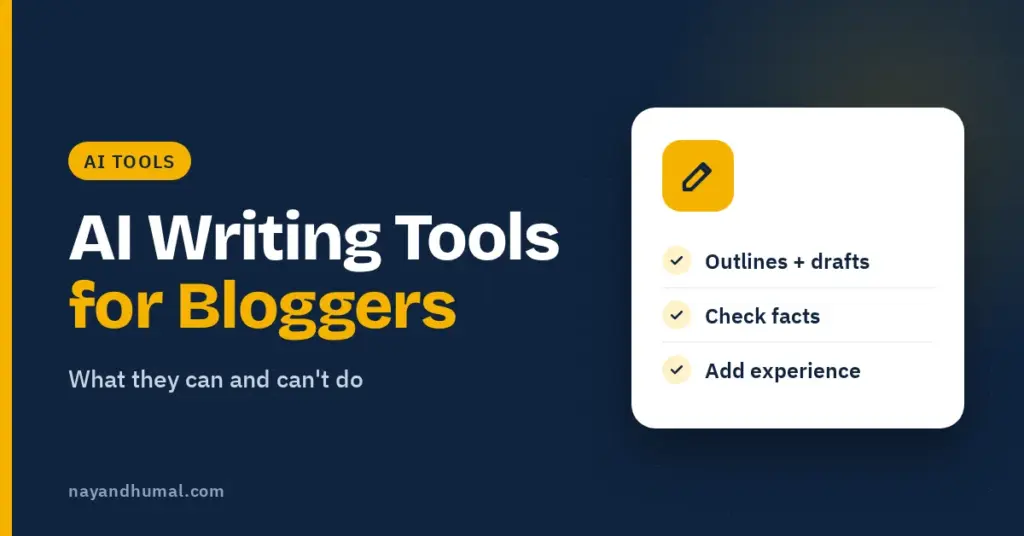
AI writing tools such as ChatGPT, Claude and Gemini are good at outlines, first drafts, rewording and summaries. They are weak at facts, current information and real experience, which are exactly what make a blog post trustworthy. Used as a helper with careful checking, they can speed up your writing. Used to publish unchecked drafts, they create errors and generic posts that readers and Google have little reason to value.
Most bloggers now have access to at least one AI writing tool, often for free. The question is not whether to use them, but where they actually help and where they cause problems.
Key takeaways
- AI tools are strong at structure, drafts, rewording and summaries.
- They can state wrong facts confidently.
- They do not have your experience, screenshots or results.
- Google says AI content must be accurate and helpful, and reviewed before publishing.
- The best results come from AI drafting and you editing.
- Never publish prices, dates or claims without checking an official source.
Popular AI writing tools
| Tool | Made by | Free plan |
|---|---|---|
| ChatGPT | OpenAI | Yes |
| Claude | Anthropic | Yes |
| Gemini | Yes | |
| Canva Magic Write | Canva | Yes, with limited uses |
Free plans have usage limits, and paid plans change often. Check each tool’s official pricing page before you decide. Canva lists Magic Write at 25 uses on a free account and up to 250 uses per person per month on Pro and Teams plans.
What AI writing tools do well
- Outlines. Turning a topic into a logical list of headings.
- First drafts. Getting words on the page so you can edit instead of starting from nothing.
- Rewording. Making a clumsy paragraph clearer or shorter.
- Summaries. Turning your notes or a long section into key points.
- Ideas. Titles, hooks, FAQs and examples to choose from. See how to plan posts with ChatGPT.
What they cannot do for you
- Guarantee facts. Google notes that AI models predict likely words rather than look up facts, so output can be inaccurate.
- Know current details. Prices, deals and product features change; always check the official page.
- Add your experience. They have not used the product, run the test or taken the screenshot.
- Sound like you. Unedited drafts often read as generic.
One rule that prevents most problems
Treat every AI draft as a draft from a fast but unreliable assistant. Check it the way you would check a stranger’s work before putting your name on it.
A simple AI-assisted writing workflow
- Research first. Collect official sources and your own notes.
- Ask for an outline and adjust it to match search intent.
- Draft one section at a time and give the tool your notes for each.
- Rewrite in your voice. See my editing checklist.
- Fact-check everything against your sources.
- Add experience: examples, screenshots and opinions.
What Google says
Google’s guidance is that appropriate use of AI is not against its guidelines, but mass-producing pages without adding value can break its spam policies. My post on whether Google penalises AI content covers the details.
Frequently asked questions
What is the best AI writing tool for bloggers?
There is no single best tool. ChatGPT, Claude and Gemini all have free plans, so try each on the same task and keep the one whose drafts need the least editing.
Can AI write a whole blog post?
It can draft one, but you still need to check facts, add experience and edit the voice before publishing.
Are AI writing tools free?
ChatGPT, Claude and Gemini have free plans with usage limits. Check official pricing pages for current details.
Will readers know a post was written with AI?
Unedited AI drafts often sound generic. Editing in your own voice and adding real examples makes a big difference.
Is it safe to use AI for product reviews?
Only for structure and wording. Reviews need your own experience and up-to-date facts from official sources.