
 Nayan Dhumal
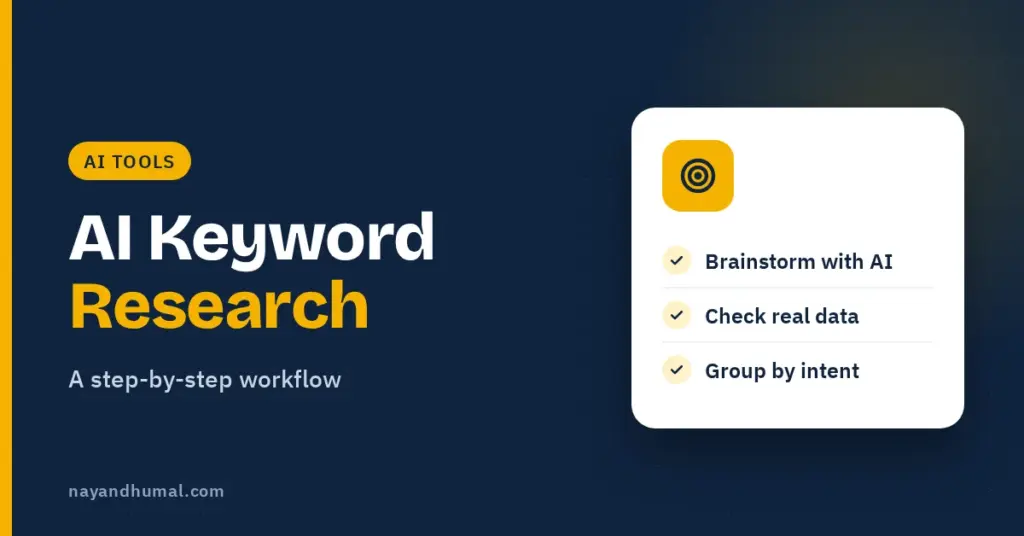
AI is useful for keyword research when you use it to brainstorm and organise, then check its ideas against real search data. A simple workflow is: ask an AI tool for the questions your audience asks, check them in Google search and Search Console, measure demand with a tool such as Google Keyword Planner, then group the keywords by intent. AI cannot see real search volumes reliably, so never treat its numbers as facts.
Keyword research can feel technical, with long lists and confusing metrics. AI tools make the first step much faster by producing dozens of ideas in seconds.
The catch is that AI tools guess. Real keyword research needs real data, so the workflow below combines both.
Key takeaways
- Use AI to brainstorm questions and group ideas.
- Do not trust AI-generated search volumes.
- Check ideas in Google search, autocomplete and People also ask.
- Use Search Console to find queries you already appear for.
- Use Google Keyword Planner or another keyword tool for demand.
- Group keywords by intent so each post targets one clear need.
Where AI helps and where it does not
| Task | AI is good for it? | Check with |
|---|---|---|
| Brainstorming questions | Yes | Google search |
| Finding related terms | Yes | Autocomplete, People also ask |
| Grouping by topic and intent | Yes | Your own judgement |
| Search volume | No | Google Keyword Planner or a keyword tool |
| Your current rankings | No | Google Search Console |
Step-by-step workflow
- Describe your audience. Tell ChatGPT, Claude or Gemini who you write for and what they struggle with.
- Ask for questions. Request 30 to 50 specific questions they might search.
- Check them in Google. Search the best ones and note autocomplete suggestions and People also ask.
- Check Search Console. Find queries you already get impressions for.
- Check demand. Use Keyword Planner or another tool for rough volumes.
- Group by intent. Ask the AI to group your checked list into posts, one intent per post.
Prompts you can use
“I write a blog for [audience] about [topic]. List 40 questions they would type into Google. Include beginner and how-to questions. One per line.”
“Here are my checked keywords. Group them so each group can be answered by one blog post. Label each group’s search intent: informational, commercial or transactional.”
Long-tail first
New blogs usually have a better chance with specific, longer questions. My guide on long-tail keywords explains why.
Using Search Console with AI
Export your queries from the Performance report and paste them into an AI tool. Ask it to:
- Group queries by topic.
- Spot questions you have no dedicated post for.
- Suggest which existing posts could be expanded.
Always double-check the grouping yourself. My Search Console guide shows where to find the data.
Mistakes to avoid
- Trusting AI volumes or difficulty scores. They are guesses.
- Targeting the same intent twice. See keyword cannibalization.
- Picking only broad keywords. They are usually very competitive.
- Ignoring intent. See search intent explained.
For the full manual process, read my step-by-step keyword research guide.
Frequently asked questions
Can ChatGPT do keyword research?
It can brainstorm and group keywords, but it cannot reliably tell you search volumes. Check demand with real data.
Is Google Keyword Planner free?
Keyword Planner is part of Google Ads. You need a Google Ads account to use it.
Which AI tool is best for keyword ideas?
ChatGPT, Claude and Gemini can all brainstorm well. The checking step matters more than the tool.
How many keywords should one post target?
One main keyword and its close variations, all with the same search intent.
Can AI find keywords my competitors rank for?
Not reliably. That needs a dedicated SEO tool with real ranking data.