
 Nayan Dhumal
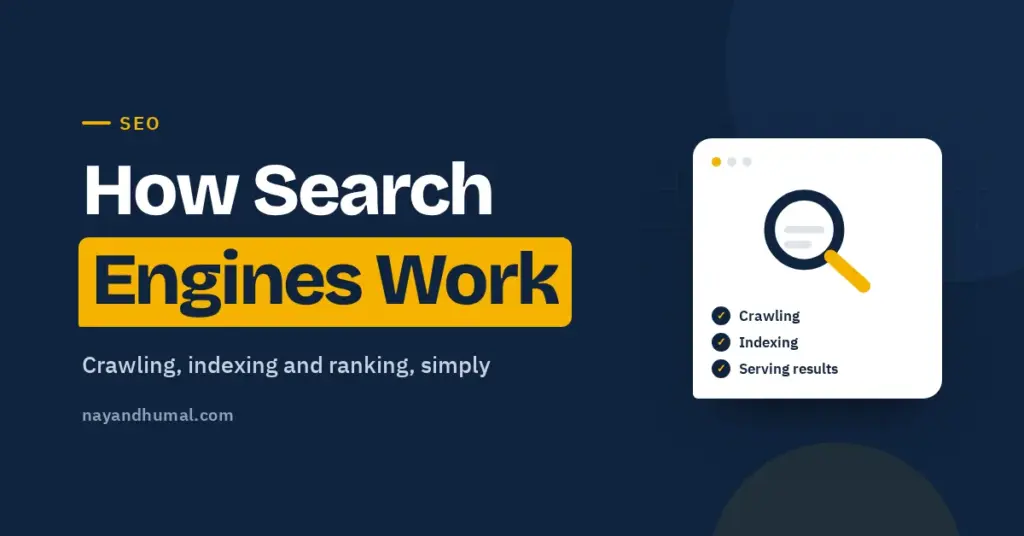
A search engine works in three stages: it discovers and downloads pages (crawling), stores and understands them (indexing), and picks the most useful pages when someone searches (serving results). Google explains that not every page makes it through every stage. This guide explains each stage in plain English and what it means for your blog.
When you publish a post, it does not appear in Google straight away. Google first has to find it, read it and decide it is worth keeping.
Knowing how that works makes most SEO advice easier to understand, because almost every tip is about helping one of these three stages.
Key takeaways
- Google Search works in three stages: crawling, indexing and serving results.
- Google finds new pages mainly through links and sitemaps.
- Not every page that is crawled gets indexed.
- Similar pages are grouped, and Google picks one version to show.
- Rankings depend on relevance and quality, and results vary by location, language and device.
- Google says it does not accept payment to crawl a site more often or rank it higher.
Stage 1: Crawling
Crawling is how Google discovers pages. Google’s main crawler is called Googlebot. It is an automated program that visits pages and downloads them.
Google’s documentation says it finds URLs in three main ways:
- Links from pages it already knows about.
- Sitemaps that site owners submit.
- Pages it has visited before, which it checks again for changes.
Googlebot also renders pages using a recent version of Chrome, so it can see content that loads with JavaScript.
Google does not crawl every URL it finds. Pages blocked by robots.txt, pages that need a login and pages on servers that respond slowly may be skipped or crawled less often.
What this means for your blog
New posts with no links pointing to them are harder to discover. Link each new post from a few related older posts, and submit your sitemap in Search Console. My guides on adding internal links and submitting your sitemap show how.
Stage 2: Indexing
After a page is crawled, Google tries to understand it. This is indexing. Google looks at:
- The text on the page.
- Key tags such as the title tag and image alt text.
- Images and videos.
- Signals such as language, country and how usable the page is.
The index is like a huge library catalogue. A page has to be in it before it can appear in results.
Duplicates and the canonical page
Google groups pages that look very similar into a cluster. It then picks one page from the cluster as the canonical, which is the version most likely to appear in search. The others are treated as alternate versions.
Indexing is not guaranteed
Google says indexing is not guaranteed. Low-quality content, a noindex rule or a site that is hard to crawl can all stop a page being indexed. This is why Search Console sometimes shows pages as “Crawled, currently not indexed” or “Discovered, currently not indexed”.
If your posts are not appearing at all, my guide on why your blog is not showing on Google walks through the common causes.
Stage 3: Serving results
When someone searches, Google looks through its index for pages that match and ranks them by what it judges most relevant and useful.
Google says relevance depends on many factors, including the searcher’s location, language and device. That is why two people can see different results for the same search.
The type of result can change too. Some searches show images, videos, maps or a “People also ask” box. Others show mostly regular links.
A simple way to picture it
| Stage | What Google does | What you can do |
|---|---|---|
| Crawling | Finds and downloads pages | Link new posts internally and submit a sitemap |
| Indexing | Reads, understands and stores pages | Write clear, original content with a good title and headings |
| Serving | Picks and orders pages for each search | Match search intent and answer the question better than others |
What Google says does not work
Google’s documentation is clear on one point: it does not accept payment to crawl a site more often or to rank it higher. Anyone who promises guaranteed rankings for a fee is not telling the truth.
Ads appear in their own labelled spaces. They are separate from the regular results.
How this connects to everyday SEO
Most SEO tasks support one of the three stages:
- Crawling: internal links, sitemaps, a fast and reliable host.
- Indexing: original content, descriptive titles, alt text, avoiding accidental noindex rules.
- Serving: matching search intent, choosing a sensible focus keyword and earning trust over time.
When a post is not performing, ask which stage it is stuck at. Search Console’s URL Inspection tool tells you whether a page has been crawled and indexed. My Search Console guide explains how to use it.
Frequently asked questions
How do search engines find new pages?
Mainly by following links from pages they already know and by reading sitemaps that site owners submit.
What is the difference between crawling and indexing?
Crawling is downloading the page. Indexing is understanding and storing it so it can appear in results.
Why is my page crawled but not indexed?
Google does not index every page it crawls. Thin or duplicate content, a noindex rule or site problems are common reasons.
Can I pay Google to rank higher?
No. Google says it does not accept payment to crawl a site more often or rank it higher. Paid ads are shown separately.
Why do different people see different results?
Google says results depend on factors such as location, language and device, so the same search can show different pages.