


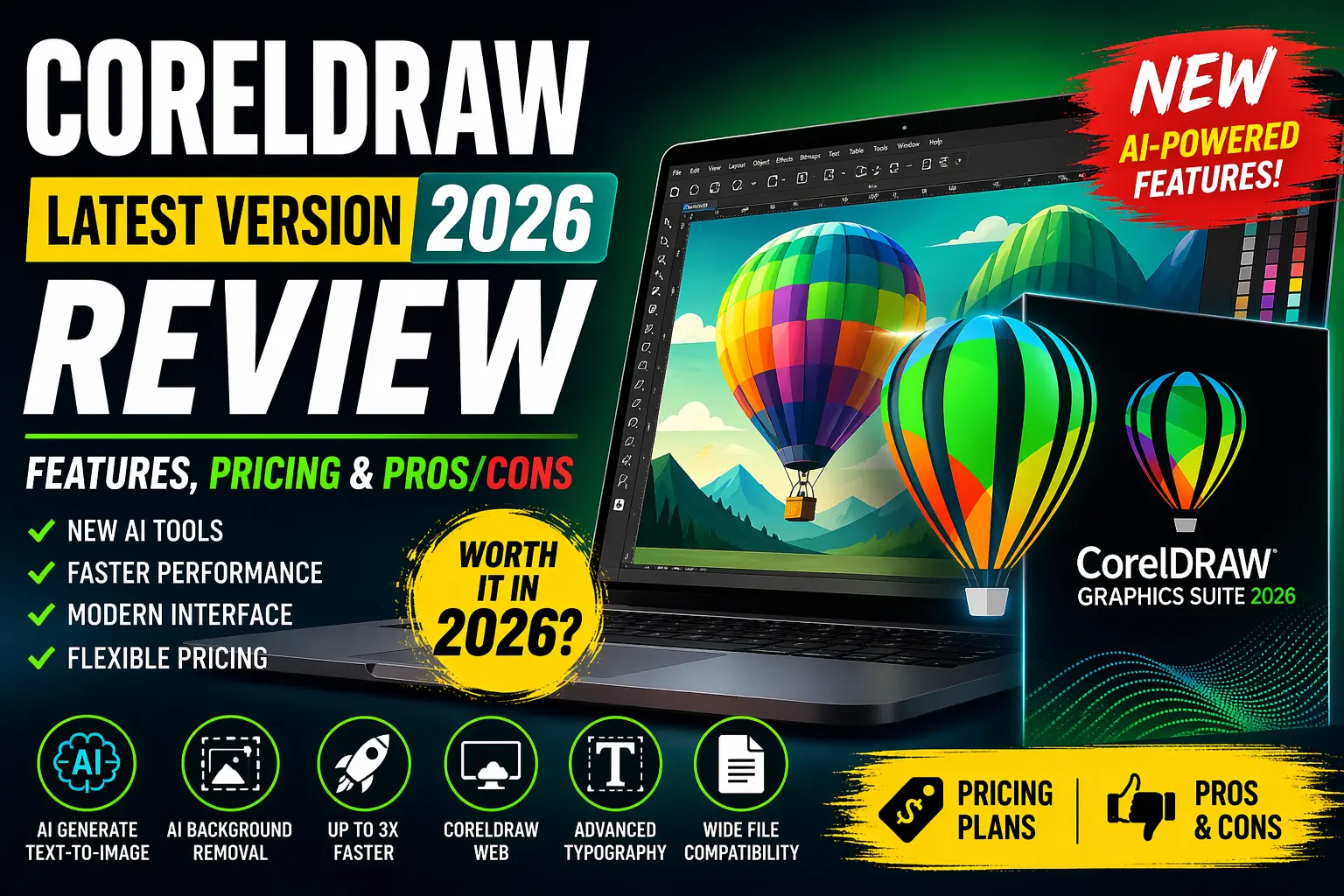
Graphic design software has evolved dramatically in recent years, especially with the integration of artificial intelligence (AI), cloud-based workflows, and cross-platform compatibility.
One of the most established tools in this space is CorelDRAW Graphics Suite, a long-time competitor to Adobe Illustrator and Photoshop.
With the release of CorelDRAW Graphics Suite 2026, the software has taken a significant leap forward by integrating AI-powered features, performance improvements, and enhanced usability. But the real question is:
👉 Is CorelDRAW 2026 worth upgrading or buying in 2026?
In this comprehensive review, we’ll break down everything you need to know—features, pricing, performance, pros & cons, and whether it fits your workflow.
What is CorelDRAW Graphics Suite?
CorelDRAW Graphics Suite is a professional graphic design software package used for:
- Vector illustration
- Layout and page design
- Photo editing
- Typography
- Branding and marketing visuals
The suite includes multiple applications:
Main Apps Included:
- CorelDRAW – Vector illustration & layout
- Corel PHOTO-PAINT – Image editing
- Corel Font Manager – Font organization
- CorelDRAW Web – Browser-based design tool
- Corel CAPTURE (Windows only) – Screen capture
It’s widely used by:
- Graphic designers
- Print professionals
- Logo designers
- Marketing agencies
What’s New in CorelDRAW 2026
The 2026 version is heavily focused on AI integration + performance improvements + modern UI.
Let’s break it down.
1. AI-Powered Design Tools (Biggest Upgrade 🚀)
CorelDRAW 2026 introduces advanced AI features designed to speed up workflows.
Key AI Features:
✅ AI Generate (Text-to-Image)
- Create images using text prompts
- Customize styles, colors, and references
- Generate commercial-use visuals
👉 This is similar to tools like Midjourney or Adobe Firefly.
✅ AI Background Removal
- One-click background removal
- Detects fine details like hair & fabric
- No manual masking required
✅ AI Masking Tools
- Automatically detect objects
- Create accurate selections instantly
These AI tools are designed to enhance productivity rather than replace creativity.
2. AI Credits System
CorelDRAW introduced a credit-based AI system:
- Subscribers get 2,000 AI credits per month
- One-time license users get 2,000 credits total
👉 This means:
- Heavy AI users may need subscriptions
- Occasional users can manage with lifetime credits
3. Refreshed Modern Interface
CorelDRAW 2026 comes with a redesigned UI:
- Cleaner layout
- Improved navigation
- Consistent design across desktop & web
- Better tool visibility
This makes the software more beginner-friendly while keeping familiarity for existing users.
4. Faster Performance & Stability
One of the most noticeable improvements:
- Up to 3x faster launch times
- Smoother font handling
- Improved zoom and editing
- Better export performance
These upgrades significantly reduce lag and crashes.
5. CorelDRAW Web Enhancements
The web version has improved:
- Better file handling
- Faster performance
- Modern UI
- Access to AI tools
This allows designers to work from anywhere.
6. New Templates & Brushes
Subscribers get:
- 200+ new templates
- 50+ new brushes
Great for:
- Social media graphics
- Branding
- Marketing designs
CorelDRAW 2026 Pricing (Updated) 💰
CorelDRAW continues to offer flexible pricing.
1. One-Time Purchase
- Approx: $549 (₹45,000–₹50,000)
- Pay once, own forever
- Limited AI credits
2. Annual Subscription
- Approx: $269/year
- Includes:
- Monthly AI credits
- CorelDRAW Web
- Updates & new features
3. Monthly Plan
- Approx: $22/month
Which Plan Should You Choose?
| User Type | Best Plan |
|---|---|
| Beginners | Monthly |
| Professionals | Annual |
| Offline users | One-time purchase |
| AI-heavy users | Subscription |
CorelDRAW 2026 Features Breakdown
1. Vector Illustration Tools
CorelDRAW is still one of the best vector tools:
- Pen tool
- Shape builder
- Node editing
- PowerTRACE (bitmap to vector)
Perfect for:
- Logo design
- Illustrations
- Packaging
2. Photo Editing (PHOTO-PAINT)
Features include:
- Layers
- Filters
- AI masking
- Background removal
Comparable to Photoshop (but simpler).
3. Typography Tools
CorelDRAW excels in typography:
- Advanced kerning
- Font manager
- Text effects
- OpenType support
Great for:
- Branding
- Posters
- Print design
4. Multi-Page Layout
- Magazine layouts
- Brochures
- Flyers
Better than Illustrator for print workflows.
5. File Compatibility
Supports:
- AI (Adobe Illustrator files)
- PSD (Photoshop files)
- SVG
CorelDRAW vs Adobe Illustrator (Quick Comparison)
| Feature | CorelDRAW 2026 | Adobe Illustrator |
|---|---|---|
| Pricing | One-time + Subscription | Subscription only |
| AI Tools | Yes (credits-based) | Yes (Firefly) |
| Ease of Use | Easier | Slightly complex |
| Performance | Fast | Stable |
| Print Design | Excellent | Good |
| Ecosystem | Limited | Huge |
Pros of CorelDRAW 2026 ✅
✔️ Powerful AI Features
Speeds up workflow significantly.
✔️ One-Time Purchase Option
Big advantage over Adobe.
✔️ Beginner-Friendly UI
Easy learning curve.
✔️ Excellent for Print Design
Better layout tools than Illustrator.
✔️ Fast Performance
Noticeable speed improvements.
Cons of CorelDRAW 2026 ❌
❌ AI Credits Limitation
You may need to buy more credits.
❌ Not Fully Vector AI
AI images are raster-based.
❌ Smaller Ecosystem
Fewer plugins compared to Adobe.
❌ Learning Curve for Advanced Tools
Beginners may still struggle initially.
Real User Feedback (Community Insights)
From user discussions:
“It’s definitely faster and I love the UI improvements.”
“AI features are useful but limited by credits.”
👉 Overall sentiment:
- Performance 👍
- AI 👍 (but limited)
- Upgrade worth it 👍
Who Should Use CorelDRAW 2026?
Best For:
- Graphic designers
- Print professionals
- Logo designers
- Freelancers
- Small businesses
Not Ideal For:
- Motion designers
- 3D artists
- UI/UX designers (better tools exist)
Is CorelDRAW 2026 Worth It? 🤔
YES if:
- You want a one-time purchase alternative to Adobe
- You work in print or branding
- You need fast and powerful vector tools
NO if:
- You rely heavily on Adobe ecosystem
- You need advanced cloud collaboration
- You want unlimited AI usage
Final Verdict ⭐
CorelDRAW Graphics Suite 2026 is one of the most complete design tools available today.
It successfully combines:
- Traditional vector power
- Modern AI tools
- Flexible pricing
👉 While AI credit limitations may frustrate some users, the overall package is still extremely strong.
⭐ Rating: 4.5/5
FAQs
Q1. Is CorelDRAW better than Illustrator in 2026?
It depends—CorelDRAW is better for print and pricing, while Illustrator wins in ecosystem.
Q2. Is CorelDRAW 2026 free?
No, but a 15-day free trial is available.
Q3. Can beginners learn CorelDRAW easily?
Yes, thanks to its intuitive UI.
Q4. Is CorelDRAW still relevant in 2026?
Absolutely—it remains a strong competitor in graphic design.
Conclusion
CorelDRAW 2026 proves that this software is far from outdated—it’s evolving fast with AI and performance upgrades. Whether you’re a beginner or a professional designer, it offers a powerful toolkit without locking you into subscriptions.
If you’re looking for a modern, flexible, and professional design software, CorelDRAW 2026 is definitely worth considering.