


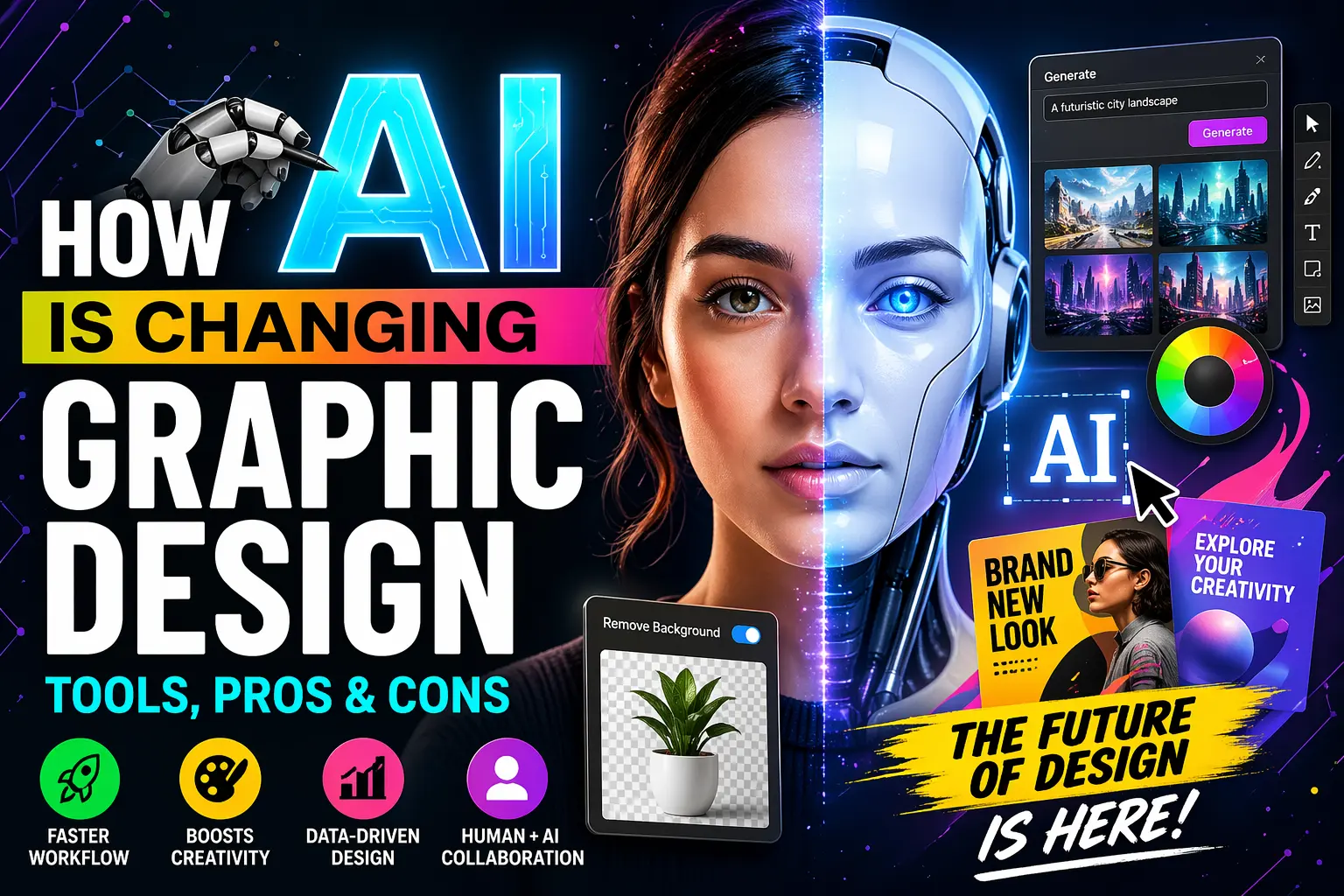
Graphic design has always evolved alongside technology—from hand-drawn illustrations to digital software. Today, we’re witnessing one of the biggest shifts yet: Artificial Intelligence (AI).
AI is no longer just a buzzword—it’s actively reshaping how designers create, ideate, and deliver visual content. From generating logos in seconds to automating complex workflows, AI is changing the rules of the game.
But here’s the real question:
Is AI a threat to designers—or a powerful creative partner?
In this in-depth guide, we’ll explore:
- How AI is transforming graphic design
- The most popular AI design tools
- Key advantages and disadvantages
- Real-world use cases
- The future of design in the AI era
What Is AI in Graphic Design?
AI in graphic design refers to the use of machine learning, deep learning, and automation tools to assist or fully create visual content.
Instead of manually designing everything from scratch, AI can:
- Generate images from text prompts
- Suggest layouts and color palettes
- Automate repetitive design tasks
- Analyze user behavior to optimize visuals
AI tools rely on large datasets and algorithms to identify patterns and produce design outputs.
👉 In simple terms:
AI acts as a smart assistant that speeds up and enhances the design process.
How AI Is Changing Graphic Design
1. Automation of Repetitive Tasks
One of the biggest impacts of AI is automation.
Designers no longer need to spend hours on:
- Resizing images
- Background removal
- Formatting layouts
- Exporting variations
AI tools can complete these tasks in seconds, boosting productivity significantly .
2. Faster Design Workflow
AI dramatically reduces turnaround time.
Instead of starting from scratch, designers can:
- Use AI-generated templates
- Auto-generate multiple design variations
- Quickly iterate ideas
This allows designers to deliver projects faster and handle more clients.
3. AI-Powered Creativity & Idea Generation
AI is becoming a brainstorming partner.
Tools can:
- Generate logo ideas
- Suggest typography pairings
- Create mood boards
- Offer design inspiration
AI doesn’t replace creativity—but it accelerates it.
4. Data-Driven Design Decisions
AI can analyze:
- User behavior
- Engagement metrics
- Design trends
This helps designers create visuals that perform better, not just look good.
5. Democratization of Design
AI tools are making design accessible to everyone.
Non-designers can now create:
- Social media posts
- Logos
- Marketing materials
This has lowered the barrier to entry in design.
6. Real-Time Collaboration
AI enables:
- Instant feedback
- Auto design suggestions
- Smart editing tools
Design teams can now collaborate more efficiently.
7. Generative Design & AI Art
AI tools like image generators can create:
- Illustrations
- Posters
- Branding assets
Recent advancements even allow accurate text rendering and layout creation, making AI more practical for real design work .
Top AI Tools for Graphic Design (2026)
1. Canva AI (Magic Design)
- Auto-generates designs
- Beginner-friendly
- Great for social media graphics
2. Adobe Firefly
- Integrated with Adobe tools
- Advanced AI editing features
- Ideal for professionals
3. MidJourney
- High-quality artistic visuals
- Popular among creatives
4. DALL·E
- Text-to-image generation
- Great for marketing visuals
5. Figma AI
- UI/UX design automation
- Layout suggestions
6. Photoshop AI (Adobe Sensei)
- Smart object selection
- Content-aware fill
- AI image editing
AI tools like these help automate workflows and improve efficiency in design projects .
Pros of AI in Graphic Design
1. Increased Productivity
AI automates time-consuming tasks, allowing designers to focus on creativity .
2. Faster Turnaround
Projects that once took hours can now be completed in minutes.
3. Cost-Effective
Businesses can create designs without hiring large teams.
4. Accessibility
Anyone can design—even without professional skills.
5. Enhanced Creativity
AI can generate ideas that inspire designers.
6. Consistency in Design
AI ensures brand consistency across platforms.
7. Scalability
AI allows designers to produce multiple versions quickly.
Cons of AI in Graphic Design
1. Lack of Originality
AI relies on existing data, which can lead to repetitive or generic designs .
2. Limited Creative Control
Templates and automation can restrict customization.
3. Loss of Human Touch
AI lacks emotional understanding and cultural context .
4. Job Concerns
Many designers fear AI could replace jobs.
Some estimates suggest a significant portion of roles could be affected .
5. Ethical & Copyright Issues
- Who owns AI-generated designs?
- Are datasets ethically sourced?
These are still unresolved questions.
6. Over-Reliance on AI
Designers may lose core skills if they depend too much on AI.
7. Errors & Inconsistencies
AI is not perfect and can produce inaccurate results.
AI vs Human Designers: Who Wins?
Short answer: Neither.
AI excels at:
- Speed
- Automation
- Data analysis
Humans excel at:
- Creativity
- Emotion
- Strategy
- Storytelling
👉 The future is collaboration, not competition.
Research shows AI works best as a creative partner, enhancing human creativity rather than replacing it .
Real-World Use Cases of AI in Graphic Design
1. Social Media Design
AI creates posts, thumbnails, and ads quickly.
2. Branding & Logo Design
AI generates logo concepts in seconds.
3. UI/UX Design
AI suggests layouts and improves usability.
4. Marketing Campaigns
AI helps create targeted visuals based on data.
5. Image Editing
AI removes backgrounds, enhances images, and retouches photos.
Industry Trends: AI + Human Creativity
Recent trends show a shift toward human-centered design, even with AI.
There’s a growing movement toward:
- Handmade aesthetics
- Imperfection
- Emotional storytelling
This reflects a desire to balance AI precision with human authenticity .
Challenges Designers Must Prepare For
1. Learning AI Tools
Designers must adapt and learn new technologies.
2. Staying Creative
Avoid becoming dependent on AI outputs.
3. Ethical Awareness
Understand copyright and AI ethics.
4. Skill Evolution
Shift from execution to strategy and art direction.
Future of Graphic Design with AI
The future will likely include:
1. AI Co-Creation
Designers and AI working together seamlessly.
2. Hyper-Personalization
Designs tailored to individual users.
3. Voice & Prompt-Based Design
Designing using text or voice commands.
4. Fully Automated Workflows
End-to-end design automation.
5. New Design Roles
- AI Design Specialist
- Prompt Engineer
- Creative Director (AI-focused)
Should Designers Be Worried?
Not really—but they should adapt.
AI won’t replace great designers.
But designers who don’t use AI may fall behind.
As industry leaders suggest, ignoring AI is like ignoring past digital transformations—it’s not sustainable .
Final Thoughts
AI is transforming graphic design in ways we’ve never seen before.
It brings:
✔ Speed
✔ Efficiency
✔ Accessibility
But also:
✖ Challenges
✖ Ethical concerns
✖ Creative limitations
The key takeaway:
👉 AI is a tool—not a replacement.
Designers who learn to use AI effectively will:
- Work faster
- Deliver better results
- Stay ahead in the industry
Conclusion
Artificial Intelligence is not the end of graphic design—it’s the beginning of a new era.
The future belongs to designers who:
- Embrace AI
- Maintain creativity
- Focus on strategy
Because at the end of the day:
Design is not just about visuals—it’s about human connection.